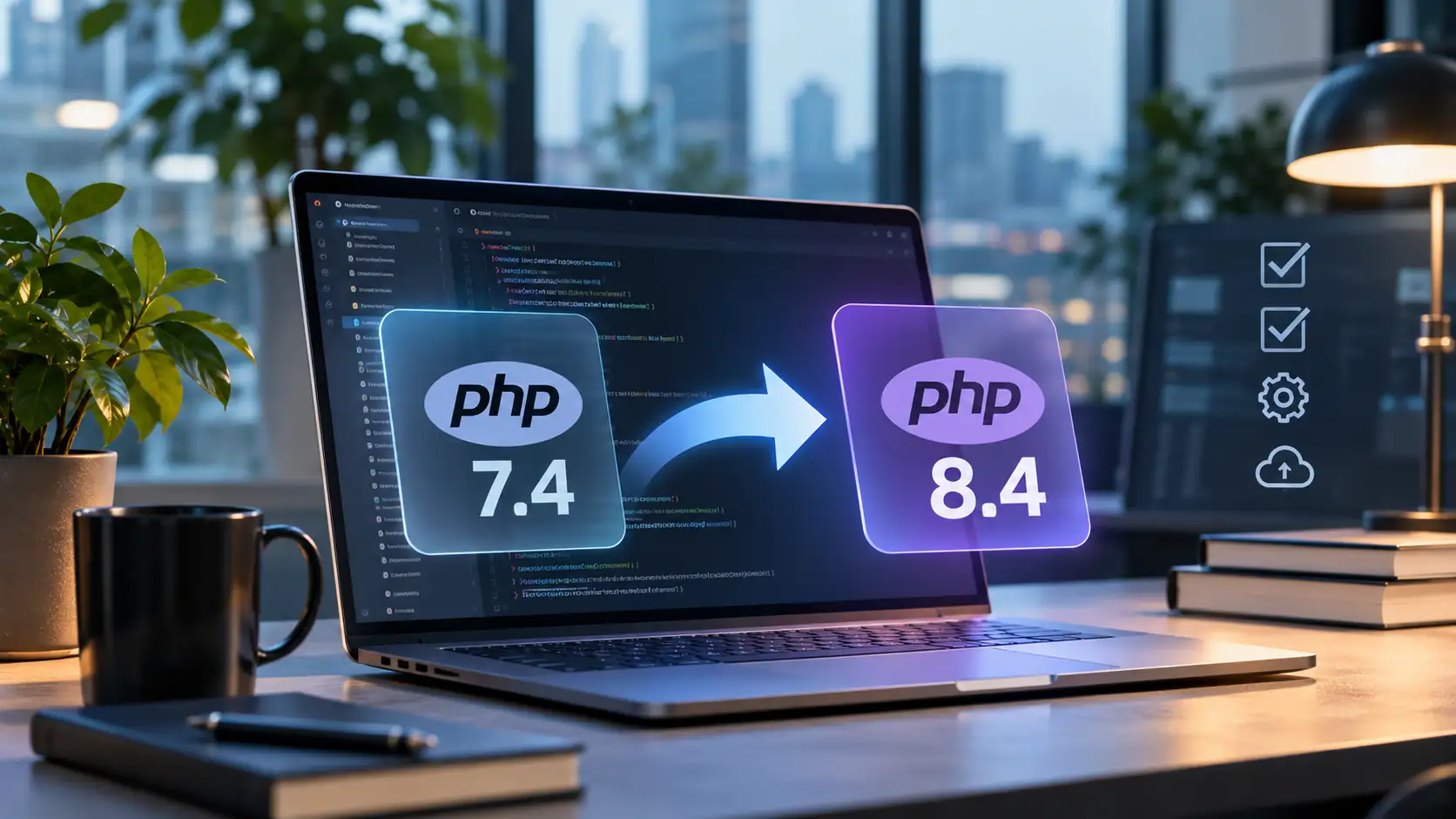
How to Upgrade PHP 7.4 to PHP 8.4: A Complete Migration Guide
Published by: Gautham Krishna RNov 02, 2026Blog
PHP 7.4 reached its end of life on 28 November 2022, and it has not received security patches or bug fixes since that date. Applications still running on it are exposed to unpatched vulnerabilities, and they increasingly fall outside the compatibility range of modern frameworks, libraries, and hosting environments. Planning a controlled migration away from PHP 7.4 is no longer optional for most production systems.
Moving to PHP 8.4 is a major-version migration, not a version-flag change on a server. The language evolved significantly across PHP 8.0 through 8.4, introducing new type-system rules, removing deprecated functions, changing default error behaviour, and altering comparison semantics. A codebase that ran quietly on PHP 7.4 can produce fatal errors, silent behavioural shifts, or broken dependencies under PHP 8.4. The migration succeeds when compatibility risks are identified and resolved before deployment, not after.
That kind of structured migration -- legacy assessment, compatibility evaluation, code remediation, dependency and extension updates, regression testing, and controlled deployment -- is where Evalogical's application modernization and legacy upgrade capabilities can support technology teams. The practical work below outlines what that process involves technically, so that development leads and IT managers can plan and execute the upgrade with clear visibility of the risks.
Why Should You Upgrade from PHP 7.4 to PHP 8.4?
The primary driver is security. PHP 7.4 is an unsupported branch; no further releases will address newly discovered vulnerabilities. Running unsupported runtime software in production creates a standing exposure that cannot be fully mitigated through application-level controls alone.
Beyond security, framework and library compatibility increasingly assumes PHP 8.x. Composer packages routinely declare minimum PHP requirements, and many have dropped PHP 7.4 support entirely. Staying on 7.4 narrows the pool of maintainable dependencies and makes future upgrades harder.
PHP 8.4 itself remains a supported target. It was released on 21 November 2024, with active support until 31 December 2026 and security support until 31 December 2028. It is not the newest PHP branch -- PHP 8.5 was released on 20 November 2025 -- but PHP 8.4 provides a well-supported, mature target with a documented migration path from 7.4 and a security window extending into 2028. Organizations that want a longer runway can evaluate 8.5 after completing the 8.4 migration, but attempting to skip directly from 7.4 to 8.5 collapses too many simultaneous changes into one release cycle.
What Should You Check Before Starting the Migration?
Before changing any PHP version, establish a factual baseline. The areas that most often derail migrations are invisible until they are tested.
Framework and CMS versions. Confirm the exact framework or CMS version in use and its supported PHP range. A framework that officially supports PHP 8.4 may still require a specific minor version or patch level; a framework that has not been updated may not support PHP 8.x at all.
Composer dependencies. Run composer outdated and inspect each package's composer.json for PHP constraints. Packages pinned to ^7.4 or <8.0 will block the upgrade until they are replaced or updated. Pay attention to transitive dependencies, not just direct requirements.
PHP extensions. List installed extensions with php -m and verify that each is available for PHP 8.4 in the target environment. Extensions that were bundled or commonly available for 7.4 may have been renamed, removed, or require a different version.
Database and server environment. Confirm database driver compatibility, web server configuration, and any PHP-FPM or OPcache settings that assume 7.x behaviour.
Integrations and third-party services. Identify every external system the application calls, and check whether its client library or SDK supports PHP 8.4.
Test coverage. Determine what automated tests exist and what they cover. Applications with low test coverage carry higher migration risk because regressions are more likely to reach production undetected.
Understand the Major Changes Between PHP 7.4 and PHP 8.4
The migration spans five minor-version boundaries, each with its own backward-incompatible changes. The list below is not exhaustive; it highlights changes that commonly affect real application code.
PHP 8.0
String-to-number comparison. Non-strict comparisons between numbers and non-numeric strings now behave differently. 0 == "not-a-number" evaluates to false, and 0 == "" evaluates to false. Code that relied on loose comparison for input validation can silently change behaviour.
Removed functions. create_function() and each() were removed. Replace create_function() with anonymous functions, and each() with foreach or ArrayIterator.
Default error handling. The default error handling mode for PDO changed from silent to exceptions. Code that checked return values instead of catching exceptions may now fail.
Reserved keywords. match and mixed became reserved words and cannot be used as function or class names.
PHP 8.1
Passing null to non-nullable built-in parameters. Passing null to scalar parameters of built-in functions is deprecated. Code such as strlen(null) now emits a deprecation notice and should be corrected to pass a valid string or guard against null explicitly.
PHP 8.2
Dynamic properties. Creating dynamic properties on classes is deprecated. Classes that assign undeclared properties at runtime should declare those properties or use #[AllowDynamicProperties] where appropriate.
utf8_encode() and utf8_decode(). These functions are deprecated and should be replaced with mb_convert_encoding().
PHP 8.3
imagerotate() signature change. The $ignore_transparent parameter was removed, as it had been ignored since PHP 5.5.0. Calls passing four arguments will break.
Static variable initializers. Static variable initializers can now contain arbitrary expressions, which is a feature rather than a break, but code that relied on restricted initializer behaviour should be reviewed.
PHP 8.4
Implicit nullable parameters. Parameters with a type declaration and a default of null are implicitly nullable in earlier versions. In PHP 8.4 this is deprecated; the type must be explicitly marked nullable, for example ?Type $param = null rather than Type $param = null.
E_STRICT removal. The E_STRICT error level has been removed from the engine. Code that references E_STRICT should be updated.
lcg_value() deprecation. The lcg_value() function is deprecated.
Step-by-Step PHP 7.4 to PHP 8.4 Migration Process
Step 1 - Audit the Existing PHP Application
Record the current PHP version (php -v), framework and CMS versions, Composer dependencies (composer show), installed extensions (php -m), and all external integrations. Document the application architecture, including any legacy code paths that are not covered by tests. The audit output becomes the scope document for the migration.
Step 2 - Check Framework and Dependency Compatibility
Review each dependency's declared PHP support range. Update dependencies that have PHP 8.4-compatible releases, and identify packages that have no compatible version. For frameworks, confirm the minimum framework version that supports PHP 8.4 and plan the framework upgrade as a prerequisite if necessary. Run the application's test suite under the current PHP version first to establish a passing baseline.
Step 3 - Prepare a Migration Environment
Create a staging environment that mirrors production as closely as possible, with PHP 8.4 installed and the same extensions, database driver, and web server configuration. Ensure full backups exist, version control is clean, and a rollback path to the PHP 7.4 environment is documented. Configuration management should allow the PHP version to be switched without manual server changes.
Run a compatibility scanner such as PHPCompatibility for PHP_CodeSniffer against the codebase with a testVersion of 8.4-. This catches removed functions, deprecated syntax, and signature incompatibilities statically. Then run the application under PHP 8.4 in the staging environment and collect runtime deprecation notices and fatal errors. Fix the highest-severity issues first: removed functions and fatal errors before deprecation notices. Convert implicit nullable parameters to explicit nullable types across the codebase; this is a mechanical change but affects a large number of method signatures.
Step 5 - Update Dependencies and PHP Extensions
Update Composer dependencies to versions that support PHP 8.4, resolving conflicts one at a time so that regressions can be attributed to a specific package. Update or rebuild PHP extensions for PHP 8.4, and verify that each extension loads and behaves correctly. Where an extension has no PHP 8.4 build, evaluate whether the functionality can be replaced or whether the migration must wait.
Step 6 - Upgrade and Validate the Application
With code and dependencies updated, run the application under PHP 8.4 in staging. Address remaining runtime errors and verify that core functionality works. Successful startup is a milestone, not a completion signal. Application behaviour must be validated across representative scenarios before deployment is considered.
Step 7 - Perform Comprehensive Testing
Testing should cover unit tests, integration tests, API tests, functional and regression tests, database operations, authentication and authorization, performance, and security validation. Pay particular attention to areas affected by behavioural changes: loose comparisons, error handling, nullable parameter handling, and any code that relied on removed functions. Test failure paths and exception handling, not just happy paths. A migration that starts cleanly but fails on an edge case in production has not been validated.
Step 8 - Deploy to Production and Monitor
Use a staged rollout where possible: deploy to a subset of servers, monitor error logs and application performance, then expand. Keep the PHP 7.4 environment available for rollback until the 8.4 deployment has been stable for a defined observation period. Monitor deprecation notices, error rates, response times, and integration health after deployment. Post-deployment validation should confirm that critical user journeys and batch processes behave as they did before the upgrade.
Common Challenges During PHP Migration
Legacy code compatibility. Undocumented code paths and legacy patterns surface during runtime testing. Static scanning catches much of this, but runtime validation is still required.
Unsupported dependencies. Packages with no PHP 8.4-compatible release may need to be replaced, forked, or removed. This is often the longest single item in a migration plan.
Framework version conflicts. A framework upgrade may be required before PHP 8.4 can be adopted, which adds a second migration track. Sequencing framework and PHP upgrades is a planning decision that affects risk and timeline.
Missing or incompatible extensions. Extensions without PHP 8.4 builds can block migration. Early identification allows time to find alternatives.
Unexpected runtime errors. Behavioural changes in comparison, error handling, and type coercion can produce errors that static analysis does not predict. Comprehensive test coverage is the primary mitigation.
Insufficient automated test coverage. Low coverage increases the chance that regressions reach production. Characterisation tests written before migration can reduce this risk.
Production deployment risks. Staged rollout, monitoring, and a tested rollback path reduce the impact of unforeseen issues.
- Audit PHP version, framework, dependencies, extensions, and integrations
- Establish a passing test baseline on PHP 7.4
- Verify framework and dependency PHP 8.4 compatibility
- Confirm PHP 8.4 extension availability
- Prepare staging environment with PHP 8.4
- Run static compatibility scanning against PHP 8.4
- Fix removed functions, implicit nullable parameters, and deprecated syntax
- Update dependencies and extensions
- Run unit, integration, API, functional, regression, performance, and security tests
- Validate database operations, authentication, and exception paths
- Prepare backups and documented rollback plan
- Deploy in stages with monitoring
- Validate post-deployment behaviour and monitor deprecation logs
Final Thoughts
The PHP 7.4 to PHP 8.4 migration is a compatibility engineering project, not a server setting. The applications that migrate smoothly are the ones that treat static scanning, dependency resolution, explicit nullable typing, and comprehensive testing as core migration work -- not as optional extras to be addressed after deployment.
If your team is planning a PHP upgrade and wants to assess compatibility risk before committing to a production cutover, Evalogical's application modernization services can support legacy assessment, migration planning, code remediation, and testing.
Frequently Asked Questions
Q: Is PHP 7.4 still supported?
A: No. PHP 7.4 reached end of life on 28 November 2022 and receives no security fixes or bug fixes. Running it in production means running unpatched runtime software.
Q: Can I upgrade directly from PHP 7.4 to PHP 8.4?
A: Yes, in the sense that PHP 8.4 can run code migrated from 7.4, but the migration must account for changes introduced across 8.0, 8.1, 8.2, 8.3, and 8.4. A direct jump is practical only if compatibility scanning and testing cover the cumulative breaking changes; it is not a like-for-like version swap.
Q: What are the biggest compatibility issues when upgrading to PHP 8.4?
A: The most disruptive issues are usually removed functions (create_function(), each()), changed string-to-number comparison behaviour, the PDO error-mode change to exceptions, passing null to non-nullable built-in parameters, implicit nullable parameter deprecation, and dependencies that do not declare PHP 8.4 support.
Q: How do I check whether my PHP application is compatible with PHP 8.4?
A: Run a static compatibility scanner such as PHPCompatibility with testVersion set to 8.4-, then run the application and its test suite under PHP 8.4 in a staging environment. Static scanning catches syntax and API-level issues; runtime testing catches behavioural changes.
Q: Do I need to update Composer dependencies before upgrading PHP?
A: In most cases, yes. Many packages constrain their PHP requirement, and a package that supports only PHP 7.x will block installation under PHP 8.4. Update dependencies to PHP 8.4-compatible versions as part of the migration, testing each update to isolate regressions.
Q: How should I test a PHP application after migration?
A: Test unit, integration, API, functional, regression, database, authentication, performance, and security behaviour. Focus on areas affected by behavioural changes -- comparisons, error handling, nullable parameters, removed functions and test exception paths as well as happy paths. Starting cleanly is not evidence of correct behaviour.
Q: How long does a PHP application migration take?
A: There is no fixed timeline. Duration depends on codebase size, dependency count, framework constraints, test coverage, and the number of incompatible extensions or legacy code paths. An application with strong test coverage and current dependencies can migrate faster than one with extensive undocumented custom code.


 PHP Security Vulnerabilities: ....
 Creatio No-Code Platform: What....
 CRM Migration: Why Process Red....
 Is Salesforce to Creatio Migra....
 What Is Creatio CRM? A Practic....



Your Trusted Software Development Company