Think ColdFusion 2016, 2018, or 2021 Is 'Good Enough'? Here’s Why That Mindset Is Unsafe
Published by: Gautham Krishna RJun 02, 2026Blog
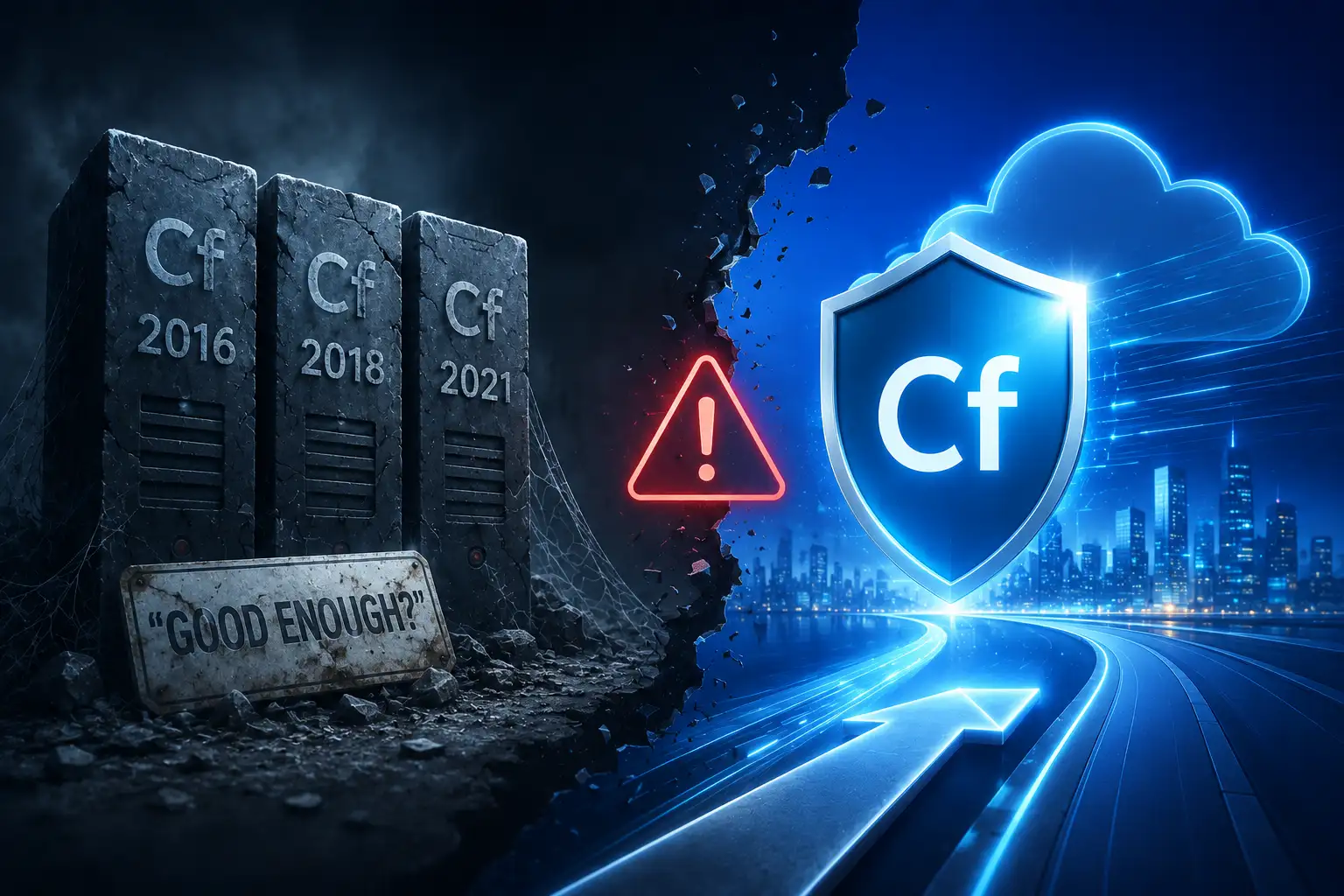
Here's a hard truth that gets buried under the quiet hum of a running server: software doesn't stop working the day support ends. That ColdFusion 2016 box will cheerfully keep processing requests, and that ColdFusion 2018 instance will happily serve up dashboards. The dangerous illusion is that "still running" equals "still safe." In 2026, for organizations running end-of-life (EOL) versions of Adobe ColdFusion -- 2016, 2018, or the recently phased-out 2021 -- that mindset is no longer a minor oversight. It is an active, compounding business liability.
The Uncomfortable Reality of "Still Running"
Software doesn't have to scream to be broken. The most dangerous security exposures are often the quietest. If you're running Adobe ColdFusion 2021 in production past its November 2025 core support deadline, you are already operating on unsupported software. Applications may still function normally, but from a security, compliance, and operational risk perspective, the environment has fundamentally shifted.
The support timeline is not ambiguous. Core support for ColdFusion 2021 ended on November 10, 2025. Extended support continues until November 10, 2026, but here is the critical detail most organizations miss: extended support does not include security patches -- it only provides "best-effort" migration assistance. Adobe will not release fixes for newly discovered vulnerabilities targeting ColdFusion 2021 after core support ends. Each new CVE becomes a permanent, un-patchable hole in your system.
The situation is even more dire for earlier versions. ColdFusion 2018 has been completely out of core and extended support since July 2024. ColdFusion 2016 and earlier versions are long since EOL and actively hunted by threat actors.
Why "It Still Works" Is a Dangerous Illusion
Relying on a legacy, unsupported ColdFusion system isn't a neutral act. It creates a cascade of measurable business risks that accumulate over time.
The Security Exposure Is No Longer Theoretical
The idea that attackers only target new software has been empirically disproven. In December 2025, GreyNoise observed a coordinated exploitation campaign targeting Adobe ColdFusion servers during the Christmas holiday period. A single threat actor, operating from Japan-based infrastructure, generated an estimated 5,940 malicious requests and systematically exploited more than ten ColdFusion CVEs from 2023-2024. Telemetry indicated 68% of the activity occurred on December 25 -- deliberate timing to exploit reduced security monitoring during the holidays.
When you run an EOL version, you are not just accepting a hypothetical risk. You are accepting every CVE discovered after your support ended as a known, exploitable vulnerability in your environment. A consistent pattern has emerged where attackers probe for unpatched ColdFusion servers as a first step, dropping fileless backdoors, miners, and ransomware.
The Compliance Trap
Auditors are no longer impressed by the argument that "we haven't had an incident." Regulatory frameworks such as PCI, HIPAA, and SOC 2 increasingly require supported software with active security patch streams. An EOL version makes it objectively harder to meet regulatory obligations and pass security reviews, often resulting in findings, remediation costs, and increased cyber insurance premiums. A legacy ColdFusion security posture impacts breach risk, insurance premiums, and even deal velocity -- surprise costs and tense board questions follow when risk acceptance is questioned.
The Hidden Talent and Operational Drag
There is also the quiet cost that doesn't show up on a P&L statement as a single line item: the compounding difficulty of maintaining an obsolete stack. Older systems become harder to stabilize and staff. Troubleshooting escalates. Release cycles slow down. Recruitment for niche legacy skills gets pricier.
The Cost of "Good Enough"
Below is a summarized view of the risk breakdown for unsupported versions, based on current data.

Your Window Is Narrowing Faster Than You Think
For ColdFusion 2021 users, the extended support window is often misinterpreted. Relying on it as a long-term plan is a trap -- it provides no security fixes, only migration assistance. For most production workloads, extended support should be treated as a temporary bridge rather than a long-term strategy.
The clock is ticking. Waiting until a critical vulnerability is exploited in the wild or an auditor flags your system is not a strategy -- it's a crisis management plan. The attackers are not waiting. Neither should your migration plan.
A Safer Path: From Legacy to Modern
A well-run modernization prevents fire drills and slashes risk. Instead of a risky "big bang" overhaul, a phased, incremental strategy isolates changes to specific modules, contains issues before they spread, and allows businesses to maintain operations throughout the process.
Partnering with specialists who understand both legacy CFML and modern architectures can de-risk the transition. Evalogical's ColdFusion development services provide the expertise to execute this phased modernization -- ensuring you move to a modern, supported platform (like ColdFusion 2025) without business disruption.
Frequently Asked Questions
Q: What is the biggest risk of continuing to run ColdFusion 2016 or 2018?
A: The greatest risk is security exposure. Once a ColdFusion version reaches end-of-life (EOL), it no longer receives security updates or vulnerability patches. Any newly discovered security flaws remain permanently unaddressed, increasing the risk of cyberattacks, ransomware incidents, and compliance violations.
Q: If I'm running ColdFusion 2021 under extended support, am I protected?
A: Not entirely. Extended support is intended to help organizations transition to newer versions and does not provide the same level of ongoing security maintenance as full support. For production environments, it should be viewed as a temporary migration window rather than a long-term strategy.
Q: How should organizations handle legacy custom tags and Java dependencies during migration?
A: The first step is a comprehensive technical assessment. Reviewing custom tags, deprecated functions, third-party libraries, and Java integrations helps identify compatibility issues early and creates a clear modernization roadmap before migration begins.
Q: Can legacy CFML applications be modernized incrementally?
A: Yes. A phased modernization approach is often the safest option. Organizations can first upgrade to a supported platform version, then gradually refactor legacy code, expose services through APIs, adopt containerization, and modernize user interfaces without requiring a complete rewrite.
Q: Will upgrading ColdFusion disrupt applications that run critical business processes?
A: Not if the migration is planned correctly. Best practices include staging environments, compatibility testing, phased rollouts, and pilot migrations. This approach minimizes risk while ensuring business-critical applications remain stable throughout the transition.
Q: How can organizations reduce risk during a ColdFusion modernization project?
A: Successful projects start with a detailed application audit, dependency analysis, and migration strategy. Testing in production-like environments and prioritizing high-risk components early helps prevent unexpected downtime and compatibility issues.
Q: Can Evalogical help assess and modernize legacy ColdFusion applications?
A: Yes. Evalogical helps organizations evaluate legacy ColdFusion environments, identify technical debt, plan secure upgrade paths, and modernize applications through structured migration and modernization strategies.
Q: What services does Evalogical provide for ColdFusion modernization?
A: Evalogical offers application assessments, migration planning, legacy system modernization, API enablement, workflow automation, cloud readiness consulting, and ongoing optimization. Their expertise helps organizations reduce technical debt, improve security, and future-proof critical business applications.
The cost of doing nothing is almost always higher than the cost of taking action. Your legacy ColdFusion system isn't just aging -- it's accumulating risk with every unpatched day. The question isn't whether you can "keep the lights on" a little longer. The question is what it will cost you when they finally go dark.



 What Is Creatio CRM? A Practic....
 Salesforce vs. Creatio: Which ....
 How AI Improves Field Sales Pl....
 How Malaysian Enterprises Can ....
 The 2027 Guide to BNM RMiT Com....

Your Trusted Software Development Company